To delete a file:
- Switch to file context if you are currently in connection context.
- Select Edit from the Load From File screen (top-right).
- Select one or more files from the file list displayed.
- Tap the trash can (bottom-left of the screen).
- Tap Done (top-right) to leave the screen.
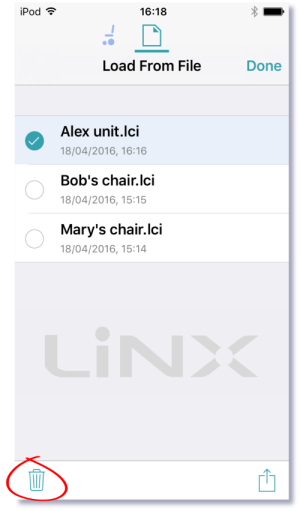
Files are deleted immediately when you tap the trash can.
