The Application menu items depend on the selected context:
- Connection context: live and bulk edit
- File context
In the connection context, and when connected to a system, the following options are available:
- Save — save the configuration as a file (.lci)
- Save As — save the configuration as a file (.lci) with a different name
- Unlock And Enter Bulk Edit — unlock all parameters for editing (only shown in live edit)
- Read from Chair — read the configuration from the connected LiNX system (only shown in bulk edit)
- Write to Chair — write the configuration to the connected LiNX system (only in shown bulk edit)
- Convert Configuration — convert to a valid configuration (only shown when conversion is possible)
- Upgrade — go to firmware upgrade mode
- Store Authorisation — store an Access Level Certificate (only shown if access level has not been stored)
- Restore Default Configuration — swap current configuration for the stored default configuration
- Restore Alternative Configuration — manage configurations (select, add, delete)
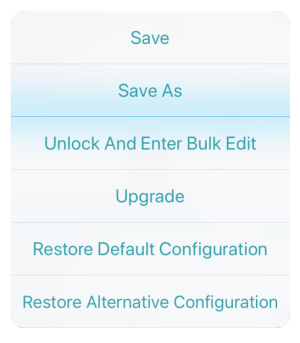
Application menu – connection context — live edit
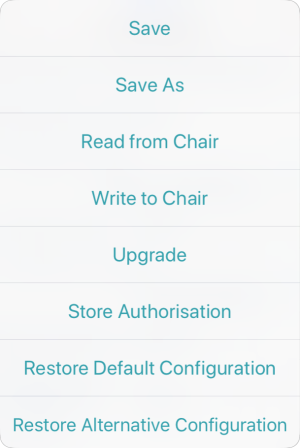
Application menu – connection context — bulk edit
In file context, the options are:
- Save
- Save As
- Write to Chair (if connected to a LiNX system).
- Convert Configuration — convert the file to a valid configuration
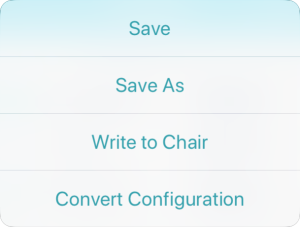
Application menu – file context
The Write to Chair option and the Write button (in Bulk Edit ) overwrite the data on the connected LiNX system.
