This article explains how to adjust the screen brightness on the REM400/REM500.
- Open the status and settings screen.
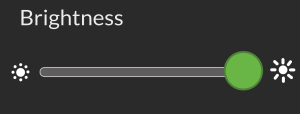
- From the status and settings screen, tap on Settings, then Display. The Brightness slider is at the top of the Display menu.
- Slide the Brightness slider to the right to increase the screen brightness.
- Slide the Brightness slider to the left to decrease the screen brightness.