This article explains how to set the time and display (12h / 24h) on the REM400 / REM500 clock.
- Open the status and settings screen.
- From the status and settings screen, tap on the clock.
- To edit the time, tap on the green up and down arrows.
- To edit the display, tap on the 12/24 hour button to toggle between 12 and 24 hour display.
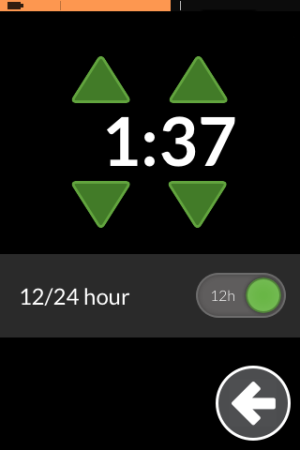
The 12/24 hour button is only visible when editing the clock.
