This article explains how to configure Internet settings for computers accessing the Internet via a proxy server.
If your computer accesses the Internet via a proxy server, you will need to configure your Internet settings. To do this:
- Click Help | Internet Settings.
- Select the Proxy Enabled switch.
- Add the following details (see note):
- Proxy address and port
- User name
- Password
- Click Close.
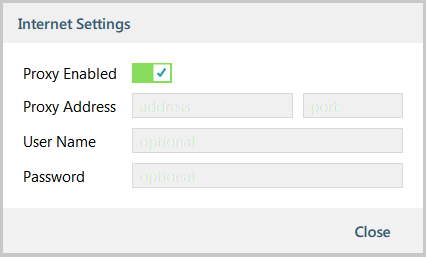
Figure 1: setting up the Internet settings
| NOTE | You may need to consult your IT department for this information. |
