You can edit a wheelchair’s operational parameters from the parameter groups on the Home screen. Parameter groups include:
| Profiles / FunctionsModulesMotionsPositionsAngle SourcesTrigger AnglesUser PreferencesLighting | 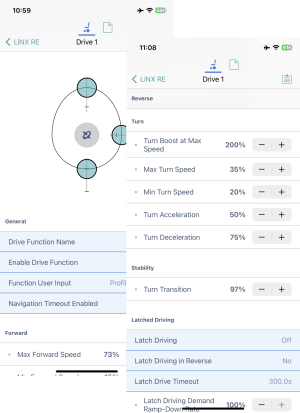 |
Editing a parameter
There are several ways to edit a parameter:
- Change numerical parameters with the +/- buttons, or the low, high or default buttons
- Change non-numerical parameters (yes/no, on/off, etc) with a slide control
- Change the text in the name of a parameter
- Edit some parameters with graphical input tools
For details on how to edit parameters, see these How-to articles.
For details on how to modify profiles and functions, see these How-to articles.
