This article explains how to set the REM400 / REM500 display for left-handed users.
The Left Hand Mode switch allows the user to swap the display of the user interface between left and right-handed views — see Figure 1.
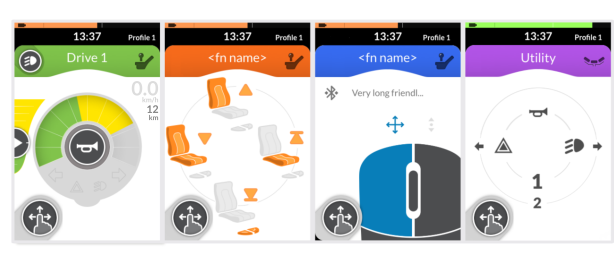
Figure 1 — view of display when in left-hand mode
To set for left-hand mode:
- Open the status and settings screen.
- From the status and settings screen, tap on Settings and then Interaction.
- To set for left-hand mode, set the Left Hand Mode button to ON.