This article explains how to change the units that are displayed on the REM400/REM500.
- Open the status and settings screen
- Tap on Settings
- Tap on Display
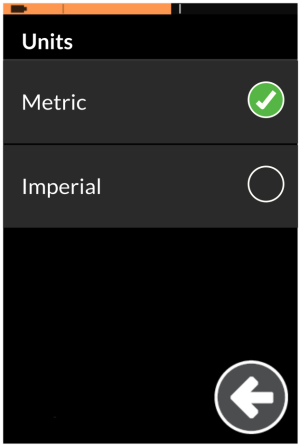
- Tap on the Units button, and then select one of the units from the Units screen: Metric, or Imperial. Your preference is displayed with a check mark.

The preferred units can also be set through the Odometer settings. See How to reset the odometer and change units .