This article explains how to make the touch screen more sensitive by activating glove mode, allowing users wearing gloves to able to interact with the display.
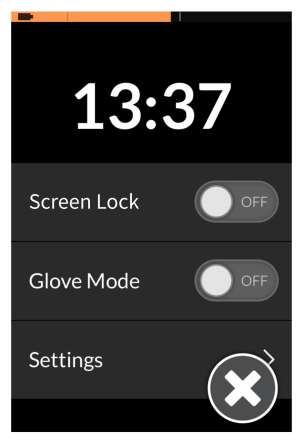
- Open the status and settings screen.
- From the status and settings screen, tap on Glove Mode. When enabled, the slide button changes to ON.