The user can interact with the touch screen in one of two ways:
- swipe-and-tap mode, or
- tap-only mode.
In swipe-and-tap mode (figure 1), the user can use swiping actions as well as tapping actions to navigate and select options. In tap-only mode (figure 2), the touch screen provides areas and buttons for the user to tap (rather than swipe) to navigate and select options.
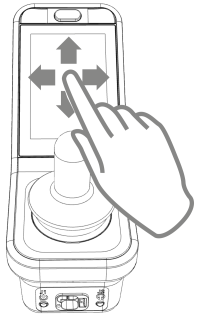 Figure 1: swipe mode Figure 1: swipe mode | 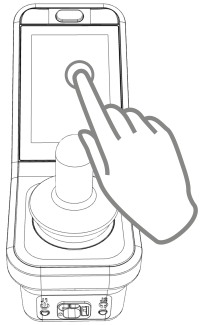 Figure 2: tap-only mode Figure 2: tap-only mode |