
- Click on the Functions button in the sidebar.
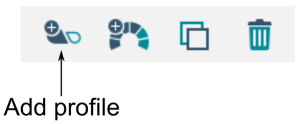
- Click on the Add profile button in the tool bar.
A new profile appears with a red indicator next to it. The red indicator displays until you add functions to the profile. 
- Add functions to the profile.
- Press the Write button to write the program to the system.