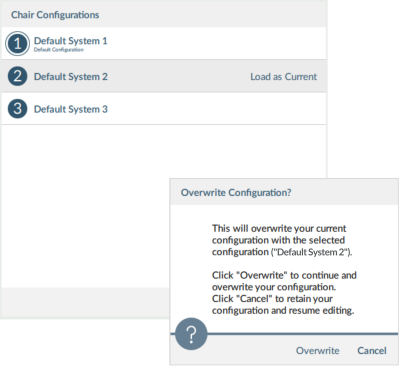
This article explains how to set the default wheelchair configuration using the Manage control. To reset a connected configuration to the default configuration, see How to reset to the default configuration.
- Click on the Manage button, from the top of the LiNX Access PC tool, to open the chair configuration list.

- Select the configuration you require from the list.
- Select Load as Current.
- Click Discard on the dialog that appears. The selected dialog becomes the current and default configuration. “Default Configuration” appears under it.