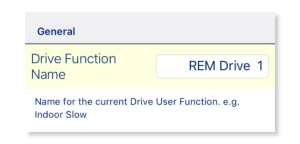
Functions and profiles can have their names changed when in bulk edit mode. To do this:
- Unlock bulk edit.
- Tap inside the name you wish to edit.
A cursor appears in the field. - Edit the name as required.
- Click the Return button.
The new name appears with a yellow background behind the text field. - Continue editing the program, or write or save it, as required.