There are several ways to edit and modify parameters:
- numerically
- by text
- from a drop-down list
- via a switch
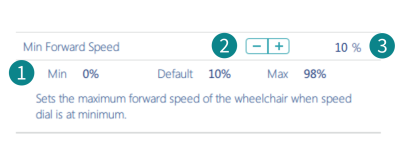
How to modify parameters numerically
There are three ways to numerically edit a parameter:
- Click Min, Default or Max to set the parameter value to one of the displayed values.
- Left-click the –/+ buttons to decrease or increase the parameter’s value respectively. Clicking and holding the -/+ buttons changes the value more quickly than single clicks.
- Double-click the value and change it directly via the keyboard — press the Enter button to set the value.
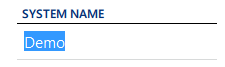
How to modify parameters by text
Click in a text box and use your keyboard to edit and enter text.
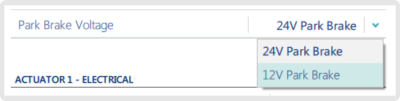
How to modify parameters from a drop-down list
Click the drop-down list to select an option.
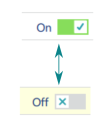
How to modify parameters via a switch
Click the switch to change the parameter’s value. The value displayed is the current value.