Open a file
- Select the file context button from the navigation bar.
- Tap a file from the list in the Load From File screen.
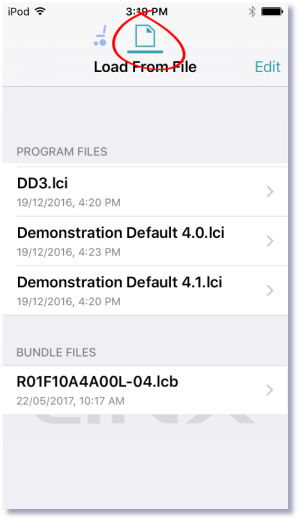
If you already have a file open, click Close (at the top-left of the screen) to return to the Load from File screen.
Close a file
Click Close at the top left of the Home screen.
If all data is saved, the tool returns to the Load from File screen. If any data is unsaved, the Unsaved Changes options display:
Save — save the file,
Close — close the file without saving changes,
Cancel — return to editing file.
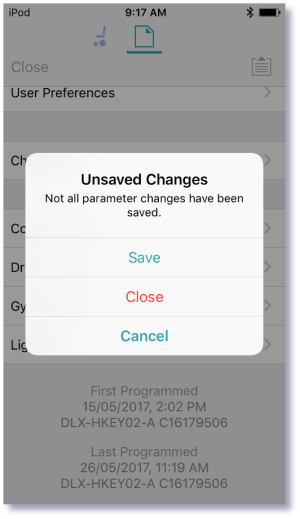
| NOTE | If you click Close in the Unsaved Changes option with unsaved data, your data will be lost. |