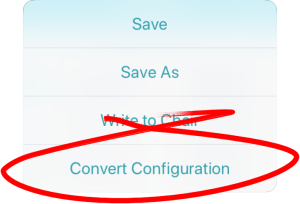
If you have a file with an invalid configuration you will be able to open it but not write it to the chair. An invalid configuration dialog appears when you open it. The convert configuration option allows some invalid files to be converted to a valid configuration.
To convert a configuration:
- Tap the Application menu button.

- If your file can be converted the Convert Configuration option will be displayed.
- Tap Convert Configuration and follow the screen prompts.