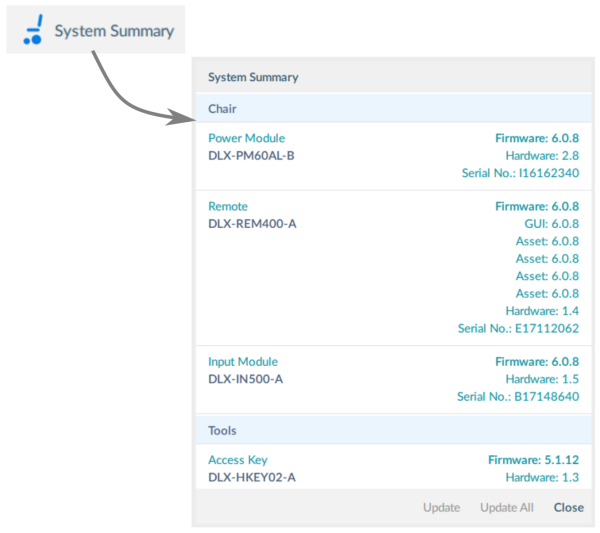
This article explains how to view the system summary, which includes part numbers, serial numbers, firmware and hardware versions.
The system summary displays version information about the modules in the connected system.
To view, click the System Summary button at the lower-right of the home screen.
The system summary displays each module with its firmware status:
- A green marker indicates the firmware is up-to-date
- A white arrow on a blue background indicates the firmware is out-of-date and an upgrade is available